

Material Selection and Expansion
When working with specific design requirements, the following reference table can help quickly narrow down two or three suitable material options. It highlights key technical considerations and basic requirements for each material, allowing you to select the right filament and start your project more efficiently.
| Required Hardware / Environment | Primary Recommendation | Alternative Materials | Key Advantages | Required Hardware / Environment |
| Crafts, concept models, toys | PLA | Photopolymer resin (for extremely high detail) | Wide color options and excellent detail reproduction | Standard FDM printer |
| Educational or safety-sensitive environments | PLA | PCL (for flexible or moldable parts) | Low odor, low printing temperature, safe for classroom use | Standard FDM printer; PCL requires low-temperature printing |
| Durable functional parts or load-bearing components | PETG | ABS (if higher tuning complexity is acceptable) | Balanced strength, toughness, and chemical resistance | Standard FDM printer; enclosure recommended for ABS |
| Heat-resistant engineering parts (>100 °C) | ABS | PC (for higher strength or transparency) | High heat-deflection temperature and good rigidity | Enclosed printer with high-temperature heated bed |
| Wear-resistant moving parts (gears, bearings) | Nylon (especially PA-CF) | PETG (for low-load scenarios) | Excellent wear resistance and fatigue strength | Strict moisture control, hardened nozzle recommended, enclosure preferred |
| Extreme environments (high temperature, chemicals, radiation) | PEEK | — | Near-metal performance and exceptional chemical/thermal resistance | Industrial high-temperature printer, heated chamber, professional ventilation |
| Medical implants or biocompatible models | Medical-grade PEEK | PCL (short-term implants or anatomical models) | Certified biocompatibility | PEEK: industrial high-temperature printer, heated dry chamber, professional ventilation; PCL: low-temperature printer |
※Definition – Mechanical Properties:
Mechanical properties describe how a printed part behaves under physical loads and stresses in practical use. They include characteristics such as strength, toughness, hardness, impact resistance, and fatigue resistance.
The sheet above provides a fast material-selection pathway based on specific application needs. However, to truly master material usage, it is necessary to develop a systematic understanding of the characteristics of different types of 3D printing materials.
Currently, in the 3D printing materials range are mainly included: polymer materials, metal materials, ceramic materials, and composite materials. Among these, polymer materials—which can be further divided into engineering plastics and bioplastics—dominate both consumer-level and industrial-level applications due to their lower cost and high printability.
PLA (Polylactic Acid)
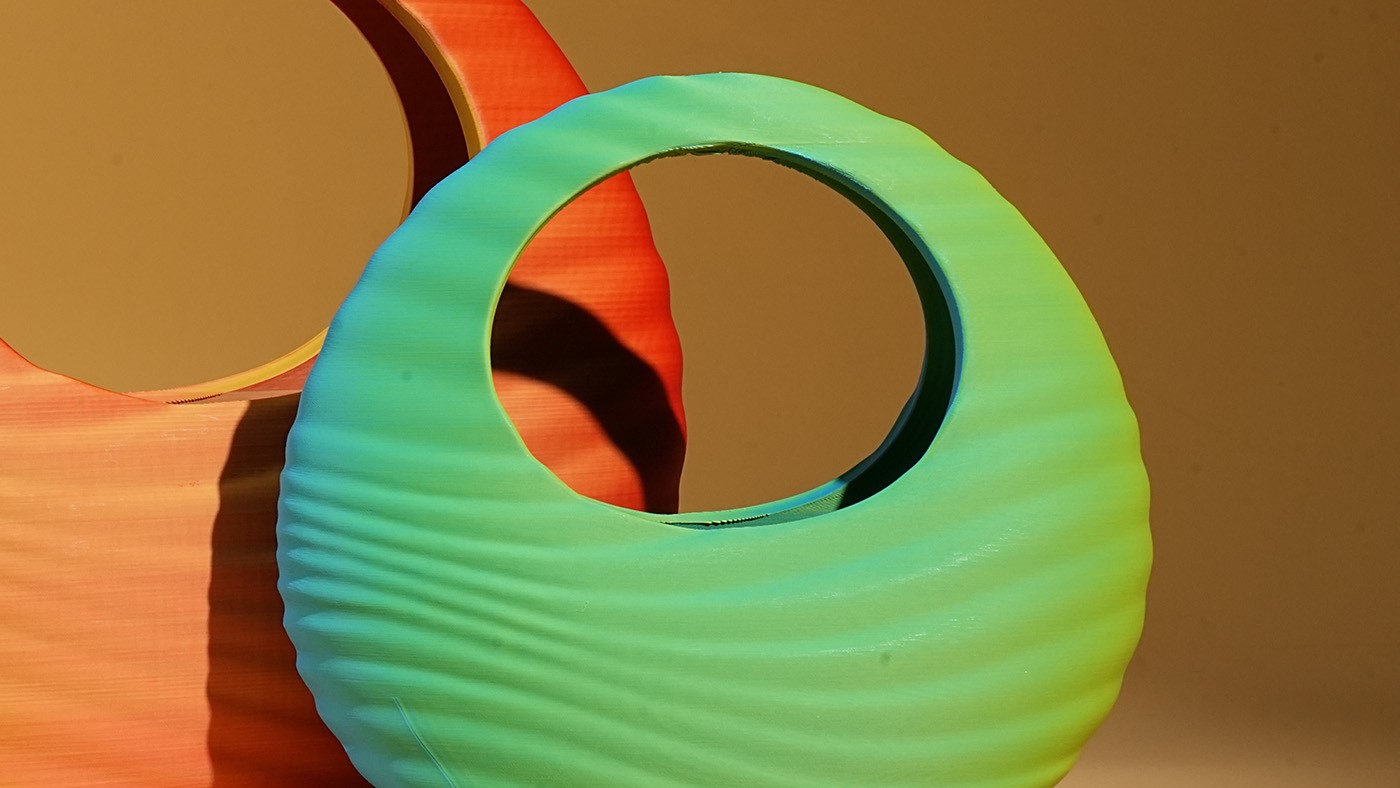
PLA is a bio-based biodegradable plastic made from plant-derived materials such as corn starch and sugarcane. You can think of it as “plastic made from plants.” Because of this property, PLA is widely regarded as one of the most environmentally friendly and beginner-friendly materials in 3D printing.
1. Easy to print and beginner-friendly
PLA is widely known as one of the easiest 3D printing materials to work with. Typical nozzle temperatures range from 180–220 °C, and the heated bed can often be set to 50–60 °C or even left unheated.
2. Minimal warping
PLA has a very low shrinkage rate during cooling, which significantly reduces the risk of warping. Even larger prints tend to maintain good dimensional stability, making PLA ideal for beginners.
3. Low odor during printing
Unlike many other plastics, PLA produces very little noticeable odor while printing, making it suitable for use in homes, classrooms, or offices.
4. Good surface finish
PLA generally produces smooth surfaces and clean layer definition, resulting in visually appealing prints without extensive post-processing.
5. Wide variety of colors and effects
PLA filaments are available in a broad range of options, including standard colors, silk finishes, gradients, metallic effects, wood-filled filaments, glow-in-the-dark variants, and more, offering great creative flexibility.
6. More environmentally friendly
Because PLA is derived from renewable plant resources, it is often considered one of the more environmentally friendly plastics used in 3D printing, and it can biodegrade under industrial composting conditions.
1. Limited mechanical strength
PLA is relatively brittle compared to engineering plastics, which means it can crack or break under heavy loads or repeated bending. It is therefore less suitable for functional parts that must withstand significant mechanical stress.
2. Low heat resistance
PLA begins to soften at around 60 °C, so printed parts may deform when exposed to heat—for example inside a car on a hot day or near heat sources.
3. Poor long-term outdoor durability
Extended exposure to sunlight, heat, and moisture can gradually weaken PLA, causing it to become brittle over time.
Nozzle temperature: Start at 200 °C and fine-tune according to print quality.
Bed temperature: 50–60 °C
Print speed: 50–60 mm/s
Cooling fan: Must be enabled.
In addition to standard PLA, you will often encounter various PLA-based filament variants:
- PLA+: An improved version of PLA with enhanced toughness and strength, while maintaining similar ease of printing. A great upgrade option for beginners.
- Silk PLA: Produces prints with a silky, metallic-like glossy finish, ideal for decorative models.
- Wood PLA: Contains wood powder, allowing prints to be sanded, stained, or painted to achieve a realistic wood texture.
- Dissolvable Support PLA: Used in dual-extruder printers as support material. After printing, it can be dissolved in a specific solution, enabling extremely complex geometries.
- Galaxy PLA: Creates prints with a sparkling, star-like effect, resembling a deep galaxy under direct light, which is perfect for space-themed or fantasy models.
- Rainbow PLA: Features shifting color gradients within one filament, allowing a single print to display smooth multicolor transitions without having to switch spools during the printing process.
- Glow-in-the-Dark PLA: Contains phosphorescent additives that absorb light and emit a glow in darkness. Suitable for warning signs, decorative lamps, and fantasy-themed models.
- Matte PLA: Produces prints with a premium matte finish, which helps hide layer lines and reduce reflections.
PETG (Polyethylene Terephthalate Glycol)
PETG is a clear thermoplastic polyester known for its good transparency, toughness, chemical resistance, and resistance to stress whitening. It is commonly used in industrial manufacturing processes such as thermoforming and extrusion blow molding.
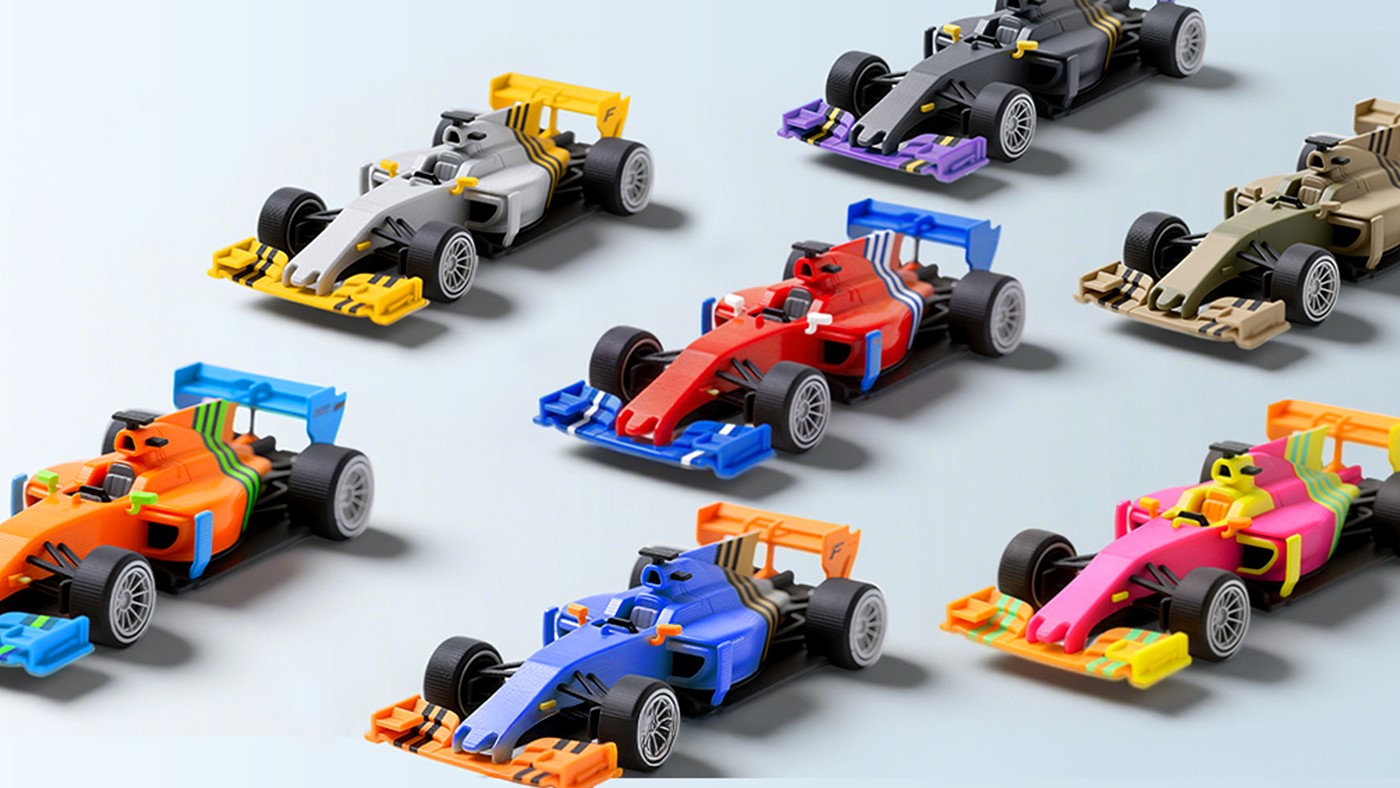
In 3D printing, PETG offers an excellent balance between printability and mechanical performance. Compared with PLA, it provides greater durability while remaining relatively easy to print, making it a popular next-step material for users moving beyond PLA.
1. Higher strength and toughness
PETG is significantly more impact-resistant and flexible than PLA, making it less prone to cracking or breaking. This makes it suitable for functional parts such as clips, brackets, and tool handles, where durability is important.
2. Strong layer adhesion
PETG forms very strong bonds between layers, resulting in prints with relatively low anisotropy and improved overall structural strength.
3. Easy to print with minimal warping
Although PETG requires slightly higher temperatures than PLA, it still has low shrinkage during cooling, meaning warping is rarely a problem. It generally prints reliably without requiring a strictly controlled environment.
4. Good chemical and physical resistance
PETG offers good resistance to oils, grease, and common cleaning agents. It can also produce attractive semi-transparent parts, which makes it useful for aesthetic or functional applications.
1. Surface scratches more easily
PETG is somewhat softer than PLA, so printed parts can be more prone to scratches during handling or post-processing.
2. Stringing during printing
PETG tends to produce fine strings of filament between printed areas, especially if retraction settings and temperature are not properly tuned.
3. Cooling must be carefully balanced
Adequate cooling is important for small features and overhangs, but excessive cooling can weaken layer adhesion. Achieving the right balance is key to good results.
Nozzle temperature: 220–250 °C (starting around 230 °C is recommended)
Bed temperature: 70–80 °C
Print speed: Around 40–60 mm/s
Cooling fan: Use 30–50% fan speed.
Too little cooling may increase stringing, while too much cooling can weaken layer bonding.
Important tip: Avoid letting the nozzle drag across previously printed layers. Enabling Z-hop during travel moves can help prevent the nozzle from catching on the print and potentially dislodging the part when printing PETG.
PCL (Polycaprolactone)
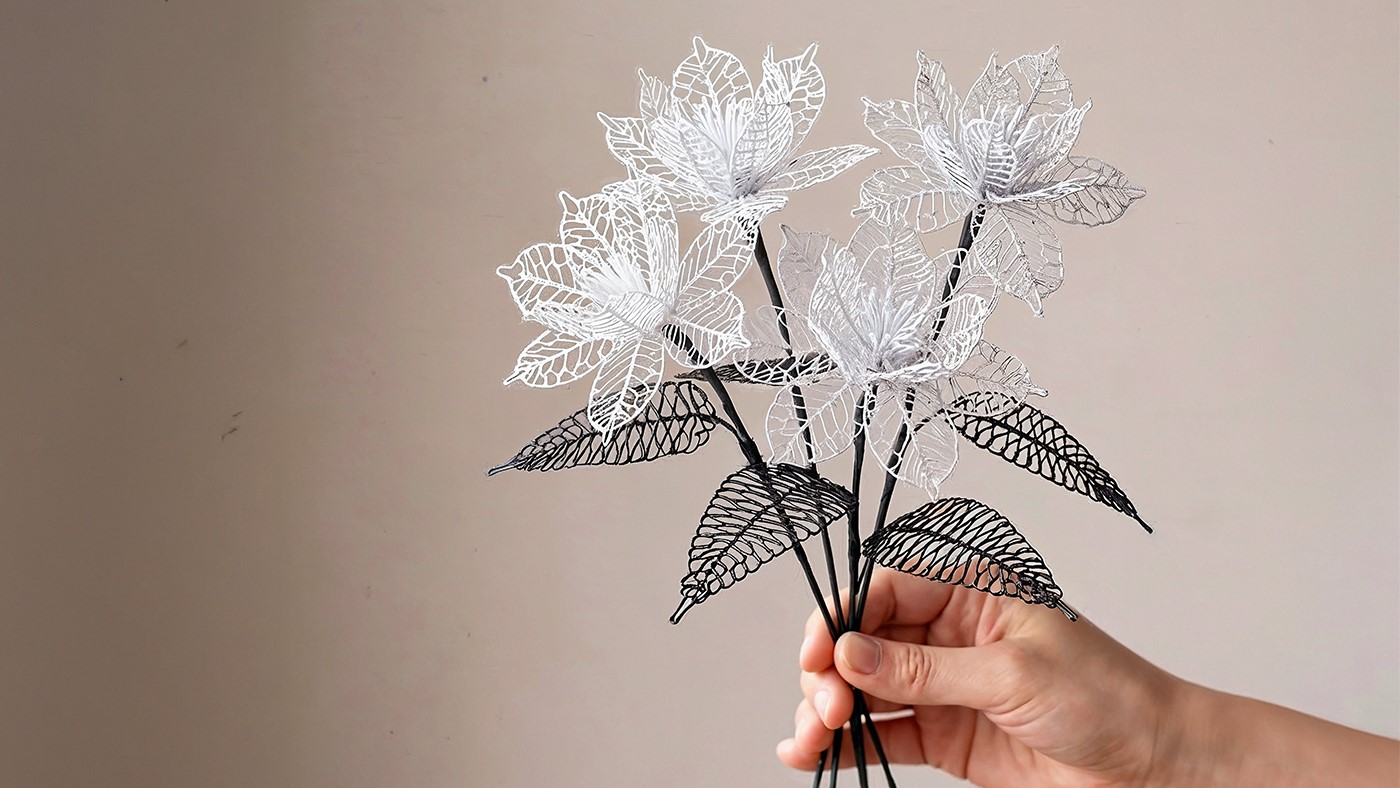
PCL is a low-temperature thermoplastic biodegradable polymer. Its most distinctive feature is its very low melting point—around 60 °C. Like many bio-based materials, PCL is widely used in specialized applications, particularly in the biomedical field, such as drug delivery systems and surgical sutures.
PCL also exhibits shape-memory properties, meaning it can be reheated and reshaped after printing. Because of its extremely low melting temperature, PCL requires much lower printing temperatures than most thermoplastics, which can also reduce energy consumption during printing.
In medical research and biomedical engineering, PCL has been explored for applications such as 3D-printed scaffolds and cardiovascular implants, including experimental heart stents.
1. Very low printing temperature
PCL melts at around 60 °C, allowing it to be printed at much lower temperatures than most thermoplastics. Typical nozzle temperatures range from 70–90 °C, and a heated bed is generally unnecessary since the material adheres well at room temperature.
2. Flexible and elastic
Printed PCL parts remain soft and flexible at room temperature, with properties similar to rigid rubber. They can be bent or compressed without cracking.
3. Shape-memory capability
When reheated above about 60 °C, PCL softens again and can be reshaped. After cooling, it retains the new form, allowing printed parts to be adjusted, repaired, or even "welded".
4. Biodegradable and biocompatible
Under suitable environmental conditions such as soil or compost, it can break down into harmless substances over time.
1. Low mechanical strength and heat resistance
PCL has much lower mechanical strength than materials such as PLA, and it softens quickly at temperatures above 60 °C, which limits its use in load-bearing or high-temperature environments.
2. Limited storage stability
After opening, PCL filament should be stored in sealed, moisture-controlled conditions. Prolonged exposure to humidity may cause the material to degrade or become brittle.
3. Surface stickiness in warm conditions
In warmer environments, printed PCL parts may feel slightly tacky, so applying a protective surface coating can help improve durability.
Nozzle temperature: 70–90 °C (avoid exceeding 100 °C)
Bed temperature: Off or room temperature
Print speed: 30–50 mm/s
Cooling: Using strong part cooling can help the material solidify faster and improve print stability.
Important tips: A direct-drive extruder is recommended for better control. After printing, parts can be reheated locally (for example with a hair dryer or hot air gun) to bend, reshape, or bond components. Always store PCL in a sealed container with desiccant to prevent moisture absorption.
Engineering plastics are industrial-grade polymers used for functional parts, housings, and mechanical components. Compared to standard printing materials, they offer higher strength, better impact resistance, improved heat resistance, greater hardness, and longer service life.
Many engineering plastics have heat deflection temperatures above 90 °C, and printed parts can often be machined, painted, or electroplated during post-processing.
Because of these properties, engineering plastics are becoming one of the most promising categories of materials for functional 3D printing. Common examples include ABS, PA (Nylon), PC, and PEEK.
ABS (Acrylonitrile Butadiene Styrene)
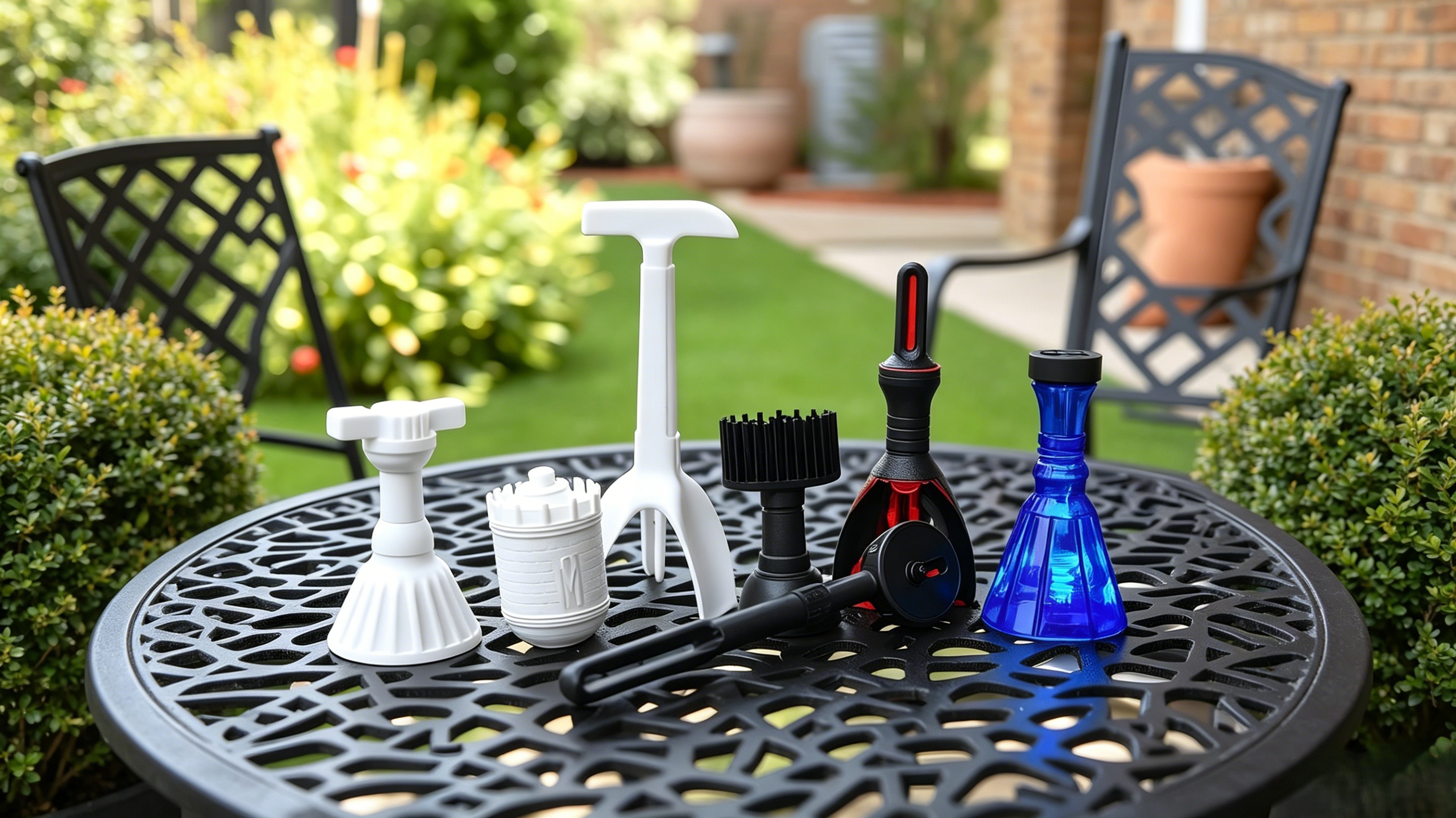
ABS is a classic engineering thermoplastic widely used in manufacturing. It is known for its high strength, good heat resistance, and excellent reliability in post-processing.
1. Strong and heat-resistant
ABS offers high mechanical strength and excellent impact resistance. With a heat deflection temperature close to 100 °C, it can be used for applications such as automotive interior parts or heat-resistant housings.
2. Professional-grade post-processing
ABS can be smoothed using acetone vapor, producing a glossy surface similar to injection-molded parts. It is also easy to sand, glue, and finish.
1. Prone to warping and cracking
Large prints often suffer from corner lifting or layer separation due to uneven cooling.
2. Requires an enclosed printing environment
A heated enclosure is strongly recommended to maintain stable ambient temperature and prevent rapid cooling.
3. Strong odor during printing
ABS releases unpleasant and potentially harmful fumes when printed, so good ventilation or air filtration is necessary.
4. High bed temperature required
Reliable printing typically requires a 100–110 °C heated bed along with a suitable build surface for adhesion.
Environment: A closed heated chamber is strongly recommended, and drafts should be avoided.
Nozzle temperature: 240–260 °C
Bed temperature: 100–110 °C
Print speed: 50–80 mm/s
Tips: Use a brim to improve bed adhesion; Avoid printing tall, thin models; Slightly increase first-layer extrusion for better adhesion
PA (Nylon)
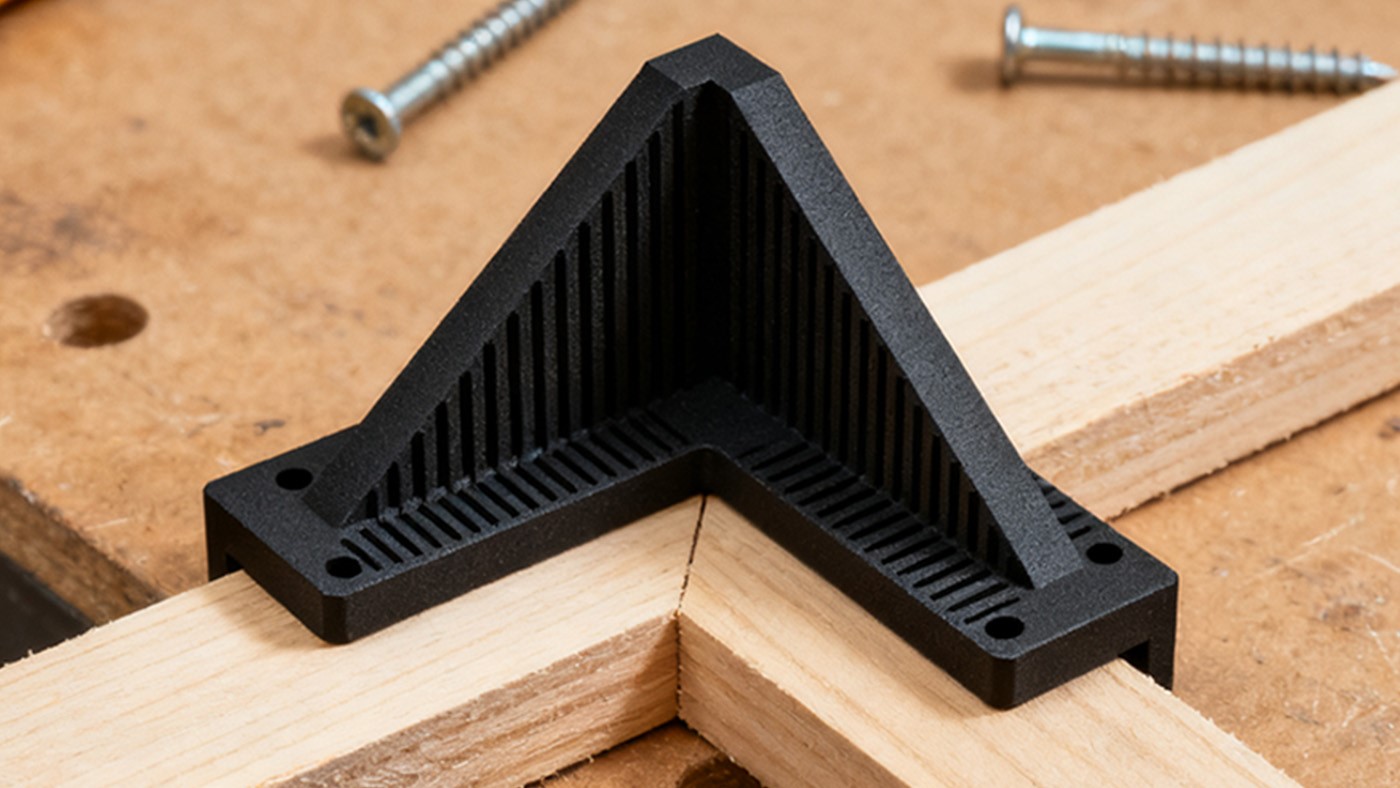
PA, commonly known as Nylon, refers to a family of semi-crystalline polyamide engineering plastics. In 3D printing, it is valued for its exceptional strength, wear resistance, and chemical stability, making it one of the best materials for high-performance functional parts.
1. Outstanding toughness and impact resistance
Among common 3D printing materials, Nylon has very high impact strength and can withstand repeated stress, shock, and fatigue without becoming brittle.
2. Excellent wear resistance
Its low friction coefficient and self-lubricating properties make it ideal for gears, bearings, bushings, and sliding components.
3. Good chemical and thermal resistance
Nylon resists oils, fuels, and many solvents, and some high-temperature variants (such as PAHT) can operate continuously at temperatures above 150 °C.
4. Strong interlayer bonding
The material flows well when molten, allowing layers to fuse strongly together, which helps reduce anisotropy and improves overall mechanical performance.
1. Highly hygroscopic
Nylon absorbs moisture from the air very quickly. Wet filament can cause bubbles, stringing, poor surface quality, and significantly reduced strength.
2. Strict moisture control required
Proper drying and sealed storage are essential throughout storage, printing, and part usage.
3. High printing temperature and possible warping
Typical printing temperatures range from 240–280 °C, requiring an all-metal hotend. Although warping is less severe than with ABS, a heated bed and enclosed chamber are still recommended.
4. Moisture absorption in printed parts
Finished parts may also absorb moisture, which can cause minor dimensional changes or performance variation.
Dry filament before printing: Dry the filament at 80 °C for 6–12 hours in a dedicated filament dryer.
Maintain dryness during printing: Use a dry box or filament dryer to continuously feed dry filament during the print.
Hardware requirements: It is highly recommended to print with an all-metal hotend; Hardened steel or ruby nozzle; Enclosed build chamber.
Typical parameters ( PA12 example) :
Nozzle temperature: 250–260 °C
Bed temperature: 80–100 °C
Print speed: 40–60 mm/s
Cooling fan: Off or very low (<10%)
Post-processing: Annealing after printing can relieve internal stress, increase crystallinity, and improve dimensional stability.
Common Nylon Types in 3D Printing:
- PA6: A widely used industrial nylon with high strength, but high moisture absorption and more challenging printability.
- PA12: The most FDM-friendly nylon. It absorbs less moisture and shows lower shrinkage and warping, making it easier to print successfully.
- PA-CF (Carbon Fiber Reinforced Nylon) : Short carbon fibers increase stiffness, dimensional stability, and heat resistance, while producing a matte surface finish.
- PA-GF (Glass Fiber Reinforced Nylon) : Glass fibers improve rigidity and thermal stability, usually at a lower cost than carbon-fiber variants.
PC (Polycarbonate)
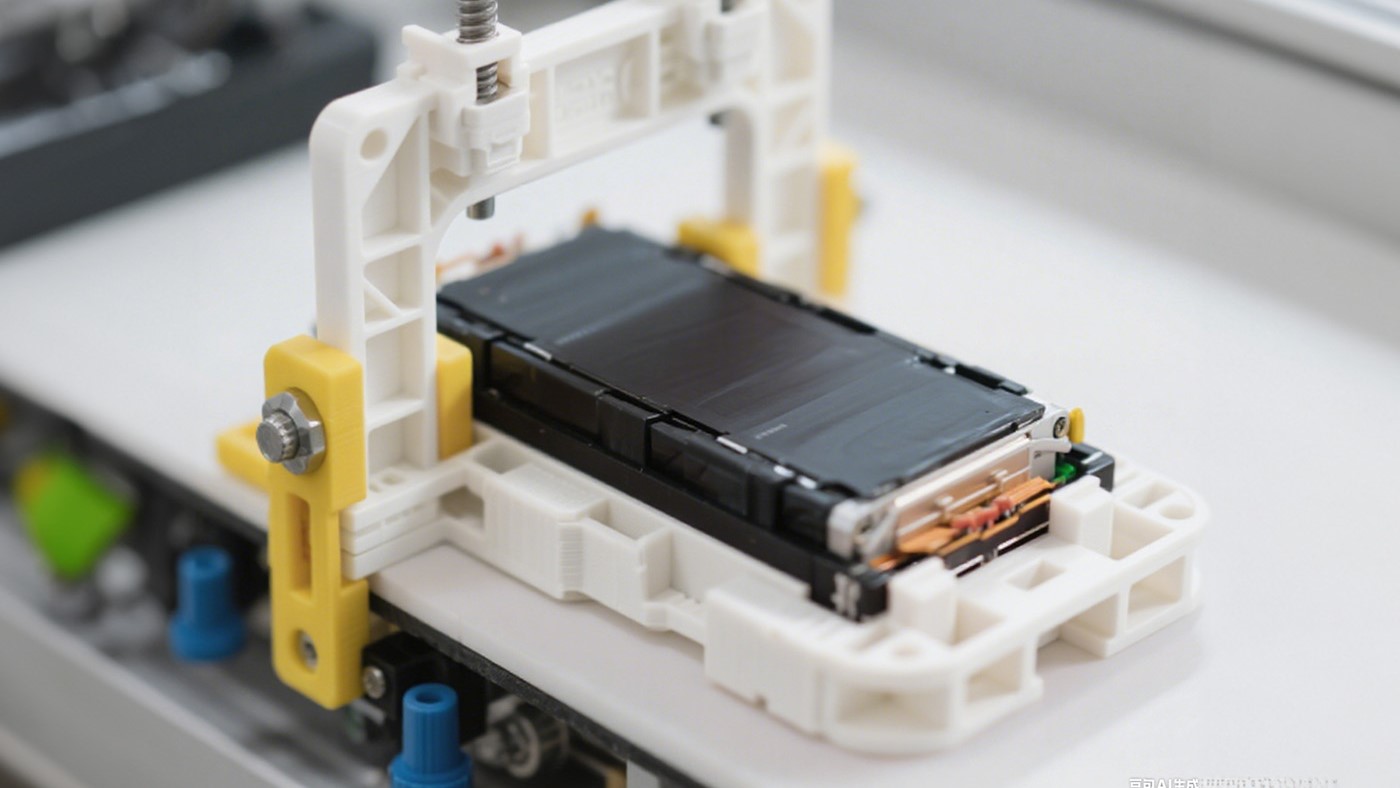
PC is a high-performance amorphous engineering thermoplastic known for combining high strength, optical clarity, and strong heat resistance.
It is widely used in demanding applications such as bullet-resistant glass, aerospace visors, and high-end electronic housings. In the field of 3D printing, PC is considered a premium functional material capable of producing strong and reliable parts.
1. Impact resistance
PC has one of the highest impact strengths among common 3D printing plastics. Its toughness can be 5–8 times greater than ABS, and it maintains good durability even at low temperatures without becoming brittle.
2. Thermal stability and flame resistance
With a heat deflection temperature of around 130–140 °C, PC performs significantly better than materials such as PLA or ABS in high-temperature environments. Many PC materials also meet UL94 V-0 or V-2 flame-retardant ratings, making them suitable for electronic and electrical housings.
3. Optical properties
Raw polycarbonate resin has excellent transparency, with light transmission above 90%. While the layer structure in FDM printing reduces full transparency, PC is still one of the best options for transparent or translucent functional parts.
1. Moisture sensitivity
PC absorbs moisture easily. If the filament is not properly dried, printing may cause bubbling, popping, poor surface quality, and severe loss of mechanical strength.
2. High temperature and internal stress
PC requires very high extrusion temperatures (typically 280–310 °C). During cooling, the material shrinks noticeably and can develop strong internal stresses, which may lead to layer cracking or overall warping.
3. Demanding bed adhesion
Reliable printing usually requires specialized build surfaces or adhesives to ensure strong first-layer adhesion.
4. Hardware limitations
Many consumer-level 3D printers cannot meet the temperature and enclosure requirements necessary for stable PC printing.
5. Post-processing considerations
Annealing after printing is often recommended to relieve internal stress and improve both strength and heat resistance.
Nozzle temperature: 290–310 °C (Start testing around 300 °C)
Bed temperature: 110–120 °C
Print speed: 30–50 mm/s. Slower speeds generally improve layer bonding strength.
Cooling fan: Turn off the cooling fan. Active cooling may cause layer cracking.
Practical tips: Slightly increase first-layer extrusion (105–110%). Use a wide brim or draft shield to improve bed adhesion and reduce warping.
PEEK (Polyether Ether Ketone)
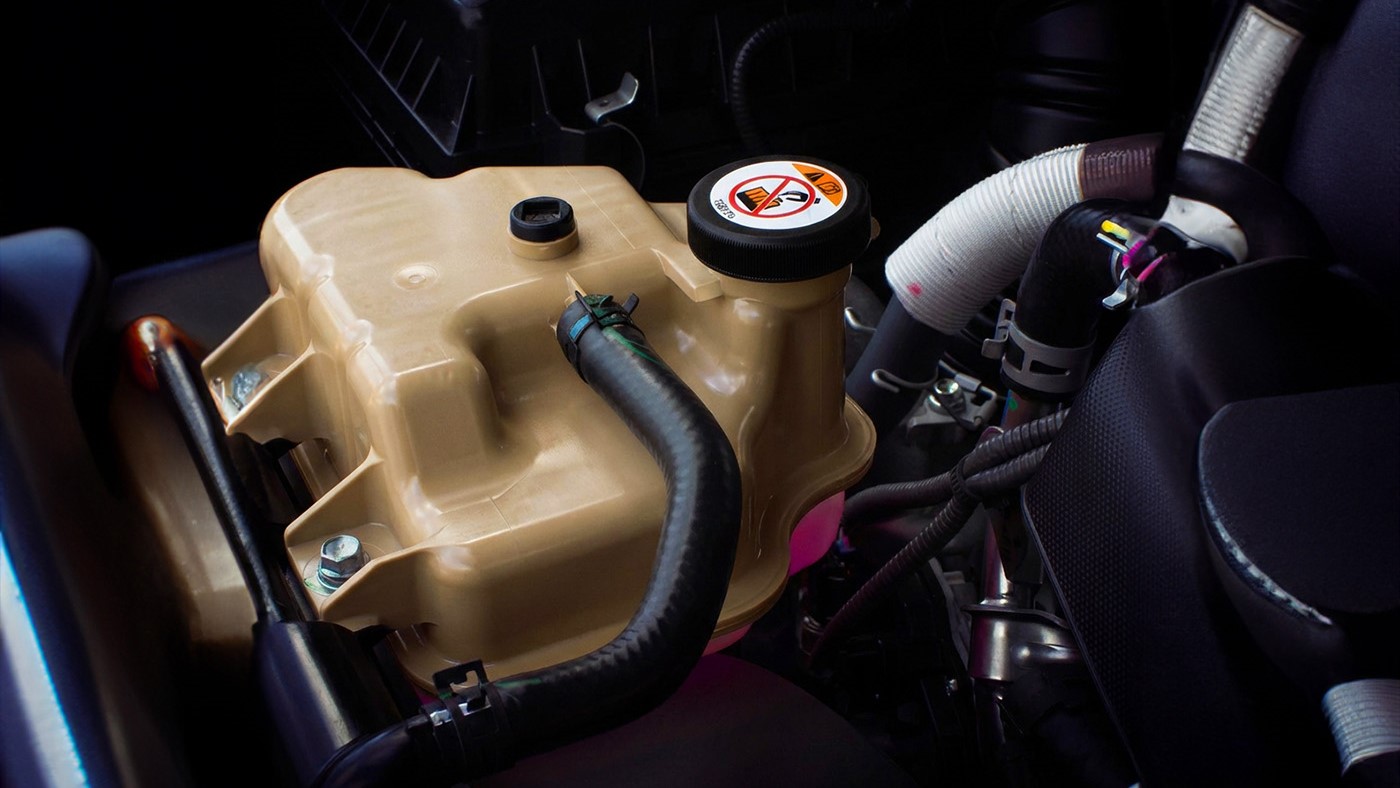
PEEK is a semi-crystalline high-performance thermoplastic widely recognized as one of the most advanced engineering polymers available.
Because of its exceptional mechanical, thermal, and chemical stability, PEEK is often used in aerospace, medical, and high-end industrial applications, and its overall performance is frequently compared to that of stainless steel and aluminium.
1. Extreme heat resistance
PEEK can operate continuously at temperatures up to 260 °C, with short-term resistance exceeding 300 °C. Its heat deflection temperature can exceed 315 °C (at 1.82 MPa), making it one of the most heat-resistant thermoplastics used in 3D printing.
2. Mechanical stability in harsh environments
Even under high temperature, humidity, and chemical exposure, PEEK maintains excellent tensile strength, stiffness, and creep resistance. It also features inherent UL94 V-0 flame resistance and produces very little smoke during combustion.
3. Chemical and radiation resistance
PEEK shows excellent resistance to most organic solvents, oils, fuels, and many acids and bases (with the exception of some strong oxidizing acids such as concentrated sulfuric acid). It can also withstand high doses of gamma and X-ray radiation, which allows its use in medical sterilization and aerospace environments.
4. Wear and fatigue resistance
PEEK has a low friction coefficient and excellent wear resistance, making it ideal for high-performance seals, bearings, and sliding components. Its strong fatigue resistance also makes it suitable for parts that experience long-term cyclic loading.
5. Biocompatibility
Certain medical-grade PEEK materials meet ISO 10993 and USP Class VI standards, allowing them to be used for implantable medical devices, such as spinal implants and bone replacement components.
1. Printing PEEK requires industrial-grade equipment:
- an ultra-high-temperature hotend
- a high-temperature heated bed
- a fully enclosed and actively heated chamber
- an all-metal extrusion path without PTFE tubing
- a high-temperature build plate designed for engineering materials
2. Material preparation
- PEEK filament must be kept extremely dry. Dry the filament at 150 °C for at least 8–12 hours using a vacuum or industrial filament dryer.
- Maintain continuous high-temperature drying during printing.
Nozzle temperature: 380–420 °C
Bed temperature: 160–200 °C
Chamber temperature: Above 90 °C (Preferably above 110 °C for better layer bonding)
Print speed: 20–40 mm/s
Cooling fan: Cooling should remain completely disabled.
Material Performance Knowledge
Understanding the relationship between materials and print parameters helps you quickly identify filament characteristics.
Before diving deeper into the theory, you may find it helpful to consult a comprehensive parameter reference sheet. We have compiled a Material Parameter Table covering common materials such as PLA, PETG, ABS, Nylon, PC, and PEEK, based on the printing profiles of SUNLU materials.
In 3D printing, choosing the right material is more important than tuning parameters. Different materials not only affect printability, but also directly determine:
- Strength (resistance to breaking)
- Heat resistance (resistance to deformation)
- Ease of printing
- Sensitivity to moisture
This page helps you quickly understand the performance differences between common materials and how to choose the right one.
If you don’t want to go through all the details, start with this quick reference:
| Requirement | Recommended Material |
| Easy to print, high success rate | PLA |
| Higher strength | ABS |
| Good toughness, less prone to breaking | PETG |
| Good toughness, less prone to breaking | PA / PC |
Comparison of Core Material Properties
| Material | PLA | PETG | ABS | TPU | PA(nylon) | PC |
| Machinability | ★★★★★ | ★★★★ | ★★ | ★★ | ★ | ★★ |
| Hardness | ★★ | ★★★ | ★★★★ | ★★ | ★★★★★ | ★★★★★ |
| Toughness | ★ | ★★ | ★★★★ | ★★ | ★★★★ | ★★★★★ |
| Heat Resistance | ★ | ★★ | ★★★★ | ★★ | ★★★★ | ★★★★★ |
| Hygroscopicity | ★★ | ★★★ | ★★★ | ★★★★ | ★★★★★ | ★★★★ |
How to understand the above indicators?
In material datasheets, you’ll encouter more technical parameters. Here’s a quick explanation of what they mean.
| Mechanical Properties(Determine strength and resistance to failure) | Tensile Strength | The maximum force a material can withstand before breaking under tension. Higher values → less likely to break. Use: structural and load-bearing parts. Simplified: resistance to pulling forces |
| Elongation at Break | How much a material can stretch before it breaks. High → ductile (like rubber) Low → brittle (like glass) Simplified: can it stretch without breaking | |
| Flexural Strength | The force a material can withstand before breaking under bending. Simplified: resistance to bending | |
| Flexural Modulus | Indicates how stiff a material is. High → rigid (resists deformation) Low → flexible (bends easily) Simplified: stiffness | |
| Impact Strength | Resistance to sudden impact or shock. Concept: will it crack if dropped Types: Notched: more demanding test Unnotched: closer to real conditions Higher values → better impact resistance | |
| Hardness & Density | Shore Hardness | Surface hardness of a material. Concept: rubber-like or rigid plastic Examples: TPU (low, soft) / PLA (high, rigid) |
| Density | Mass per unit volume. Concept: heavier or lighter at the same size Affects: part weight and material cost | |
| Thermal Properties | Heat Deflection Temperature(HDT) | The temperature at which a material begins to deform under load.Concept: will it deform under heat Higher values → better heat resistance |
| Glass Transition Temperature (Tg) | The temperature where a material transitions from rigid to soft. Concept: when it starts to soften Use: defines upper service temperature | |
| Vicat Softening Temperature | The temperature at which a material softens under load. Concept: softening point in real conditions More practical than Tg. | |
| Melting Point | The temperature at which the material fully melts. Concept: true melting temperature Use: determines printing temperature range | |
| Decomposition Temperature | The temperature at which the material begins to degrade. Concept: overheating damages the material Use: prevents thermal degradation during printing | |
| Thermal Expansion Coefficient | How much a material expands when heated. Concept: likelihood of deformation Higher values → more prone to warping | |
| Dimensional & Processing Properties | Shrinkage | Volume change after cooling. Concept: will the part shrink after printing Higher values → harder to control dimensions, more warping |
| Melt Flow Index (MFI) | Flowability of the material when melted. Concept: how easily it extrudes Higher values → better flow, easier printing | |
| Electrical Properties(Special Applications) | Volume Resistivity | Electrical conductivity of a material. Concept: conductive or insulating Higher values → better insulation |
| Dielectric Constant | Material behavior in an electric field. Concept: stability in electronic applications Use: high-frequency and electrical components | |
| Chemical & Safety Properties | Chemical Resistance | Resistance to chemical corrosion. Concept: whether chemicals degrade the material Use: industrial and outdoor applications |
| Flame Retardancy | Resistance to ignition and burning. Concept: will it catch fire easily Use: safety-critical applications |
Printer Performance Calibration
In the following sections, we will explain how to derive optimal printing parameters from the physical characteristics of a new material. By combining these principles with practical testing, you will be able to identify the best printing settings for your setup—ultimately progressing from simply achieving successful prints to achieving exceptional print quality.
Note: Different materials (such as PLA, PETG, ABS, and Nylon) respond differently to printing parameters. The adjustment directions provided below serve as general guidelines only; actual settings should be optimized according to the specific material properties and printer configuration.
Temperature System Parameters
| Parameter | Main Effects | Effect of Increasing | Effect of Decreasing |
| Nozzle Temperature | Layer adhesion, surface gloss, extrusion flow, material degradation | Improves layer adhesion and material flow, but may increase the risk of stringing, oozing, and softened details | Produces sharper details and less stringing, but may lead to reduced layer adhesion or under-extrusion |
| Bed Temperature | First-layer adhesion, overall warping, bottom surface quality | Improves first-layer adhesion and reduces warping, but may cause the bottom layer to soften excessively or produce the “elephant’s foot” effect | Produces cleaner bottom details, but increases the risk of warping and poor first-layer adhesion |
| Chamber Temperature | Internal stress distribution, warping control, layer adhesion | Reduces internal stress and warping while improving layer adhesion, but may slow cooling and soften fine details | Enables faster cooling, but may increase the likelihood of cracking or warping, especially with high-shrinkage materials such as ABS and Nylon |