

Safety Preparation & Printer Inspection
Personal Protective Equipment:
Before handling resin, make sure the appropriate personal protective equipment is prepared. Users should wear nitrile gloves (latex gloves are not recommended) and safety goggles during operation. If available, a respirator equipped with an activated carbon filter and a protective apron can also be used for additional protection. In addition, the workspace should be well ventilated and kept away from direct sunlight to ensure safe operation.
Before the first print, perform the following checks:
- Use the provided calibration card or paper to ensure the build plate is level with the LCD screen
- Run the screen test to check for dead pixels or display issues
- Inspect the release film (FEP / ACF) at the bottom of the resin vat for scratches or deformation
- Move the build platform up and down to confirm smooth and stable motion
Resin Opening & Pouring
Before opening the resin bottle, first confirm that the seal is intact and shake the bottle for 2–3 minutes to fully mix the pigments and resin components. Then slowly open the bottle in a well-ventilated area to release any internal pressure. After opening, check whether the resin color is uniform and ensure there is no layer separation or visible sediment.
Resin Pouring Procedure:
1. Place the resin vat on a stable surface
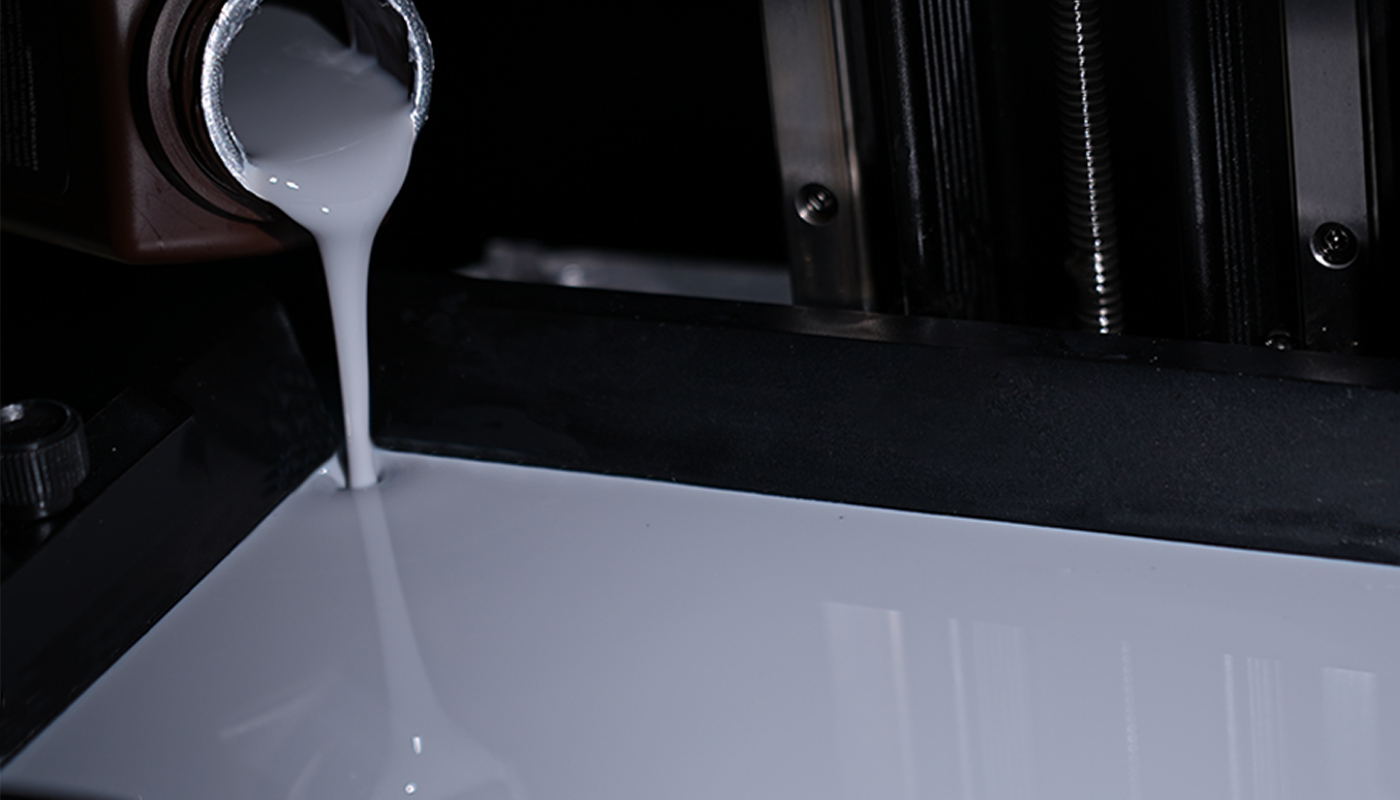
2. Slowly pour resin along the inner wall of the vat to reduce bubbles
3. Keep the resin level below the maximum mark
4. If bubbles appear, allow the resin to rest for 10–15 minutes
5. Carefully place the resin vat back into the printer
Important: Different brands or types of resin must not be mixed. Always clean the vat thoroughly before switching materials.
Model Preparation & Printing
For the first print, beginners should start with models that have a large base contact area, simple geometry, and minimal overhangs or fine details. Avoid complex models until you become more familiar with the printing process and basic printer settings. Set exposure parameters in the slicing software based on manufacturer recommendations. After gaining experience, users may experiment with custom exposure settings.
Transfer the sliced file to the printer via network or USB drive, and ensure the printer is located in a well-ventilated space, such as a balcony or open room.
Print Start Checklist:
- Confirm the build plate is properly locked
- Verify the resin vat is correctly installed
- Observe the first 5 layers to ensure proper adhesion to the build plate
- Avoid moving or shaking the printer during printing
Post-Processing Workflow
Cleaning
Wearing gloves, remove the model from the build plate using a scraper, then submerge it in 95% isopropyl alcohol (IPA), ethanol, or a dedicated resin cleaner. Use a soft brush to gently clean the surface and fine details, and perform a second rinse in clean solvent to remove any remaining resin. After cleaning, allow the model to air dry in a well-ventilated area. For hollow models, make sure any trapped alcohol inside the cavities is completely drained.
Main Support Removal
Supports should be removed after cleaning but before final curing, when the material still has some flexibility. Use flush cutters or support removal tools to cut supports at the base, rather than pulling them off to avoid damaging the surface of the print.
Secondary Curing
Place the cleaned and dried model into a UV curing box and cure it for about 10–20 minutes, depending on the model size. During curing, rotate the model to ensure all surfaces receive even UV exposure. After curing, allow the model to rest for about 24 hours so internal stresses can stabilize and the material can achieve optimal mechanical performance.
Printer Cleaning
If resin remains on the build plate:
Keep the resin vat installed in the printer to prevent resin from dripping onto the LCD screen during handling.
Cleaning procedure:
1. Submerge the build plate in IPA or resin cleaner
2. Use a soft brush to remove residual resin
3. Allow the plate to air dry in a ventilated area
If you plan to continue printing and the resin in the vat is free of debris, additional resin can be added directly. If you need to switch materials or stop printing, filter the remaining resin through a resin filter and pour it back into the original bottle. To clean the resin vat, gently wipe the vat and the release film with paper towels moistened with alcohol to dissolve any remaining resin, then finish by wiping the surface dry with a clean paper towel.
Resin Storage & Management
After use, tighten the bottle cap immediately and store the resin in a cool, dark place at a recommended temperature of 15–25 °C, avoiding direct sunlight and high temperatures. It is also recommended to label the bottle with the opening date and use the resin within six months to maintain optimal printing performance.
Long-Term Storage:
If the printer will not be used for an extended period, filter any remaining resin and return it to the original bottle, then thoroughly clean the resin vat and build plate. Turn off the printer, cover the LCD screen with a protective film, and clean all tools that have come into contact with resin using alcohol before storing them in a sealed container for future use.
Important Notes
- Always wear nitrile gloves, and keep spare gloves available
- Ensure good ventilation or use an air purifier
- Clean thoroughly before switching resin types
- Secondary curing is essential for optimal mechanical properties
- Avoid UV exposure during printing and keep the printer enclosure closed